spendo.

Offline-first personal finance.

Your Money,
Made Clear.

Less wondering where it went.
More deciding where it goes.

Spending, savings, and everything in between.
Bring your money into focus with Spendo.

Small habits. A clearer tomorrow.
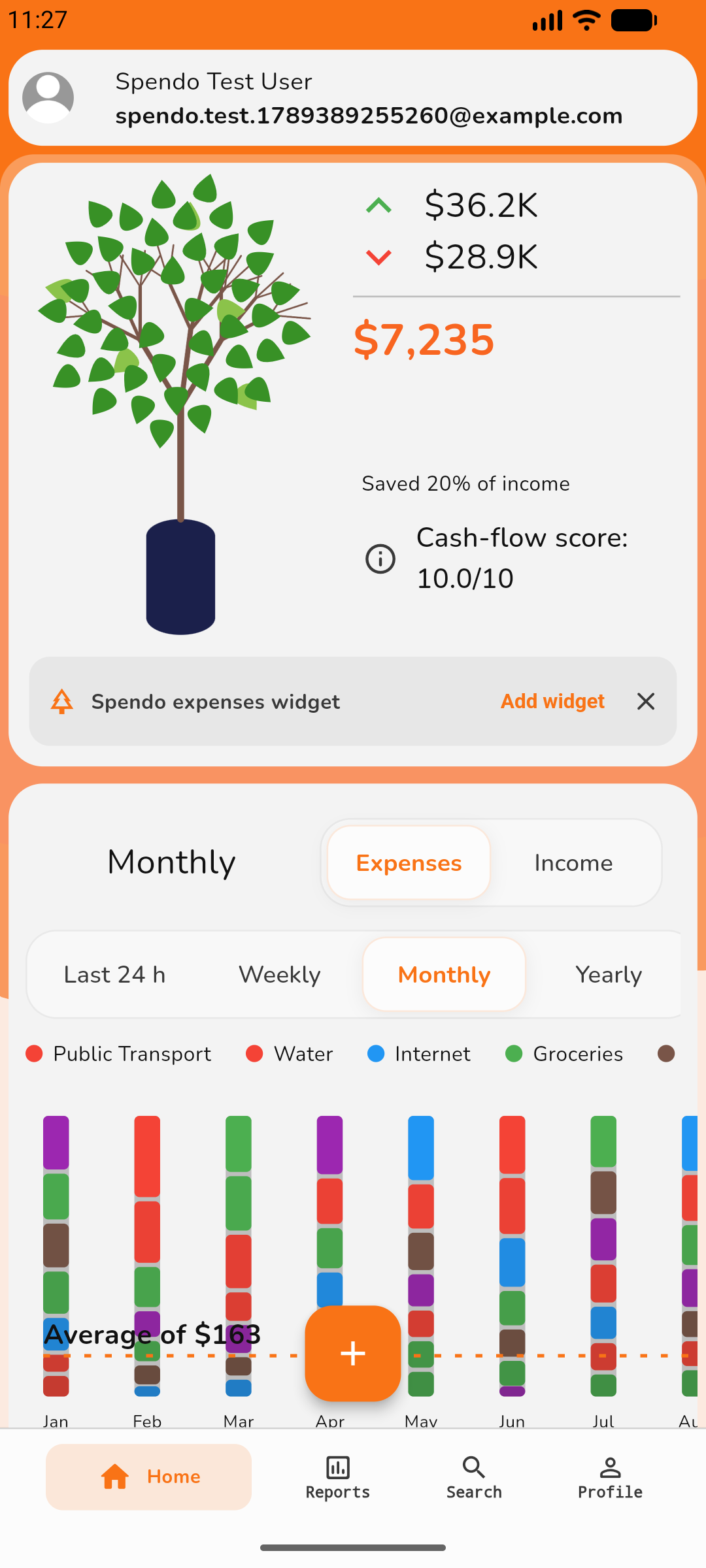
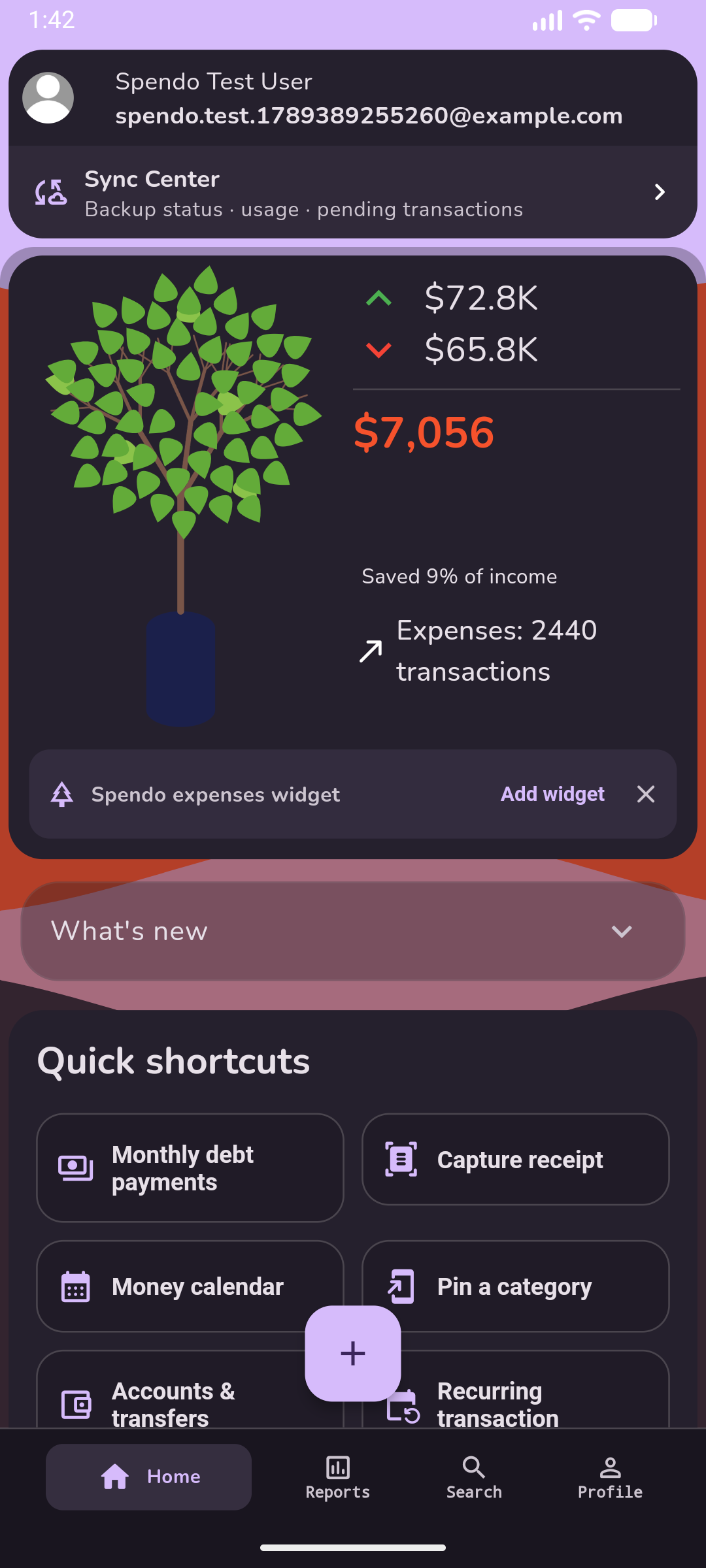
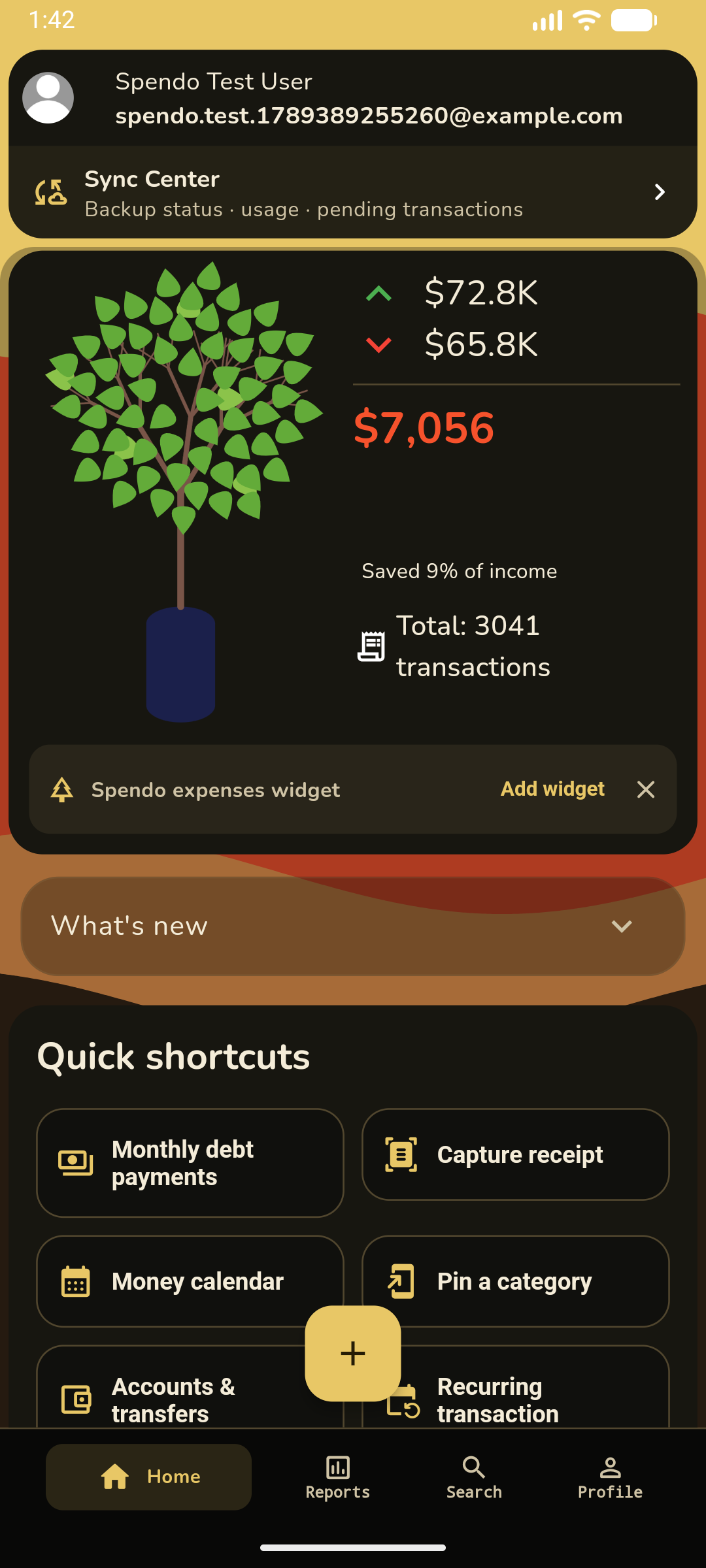
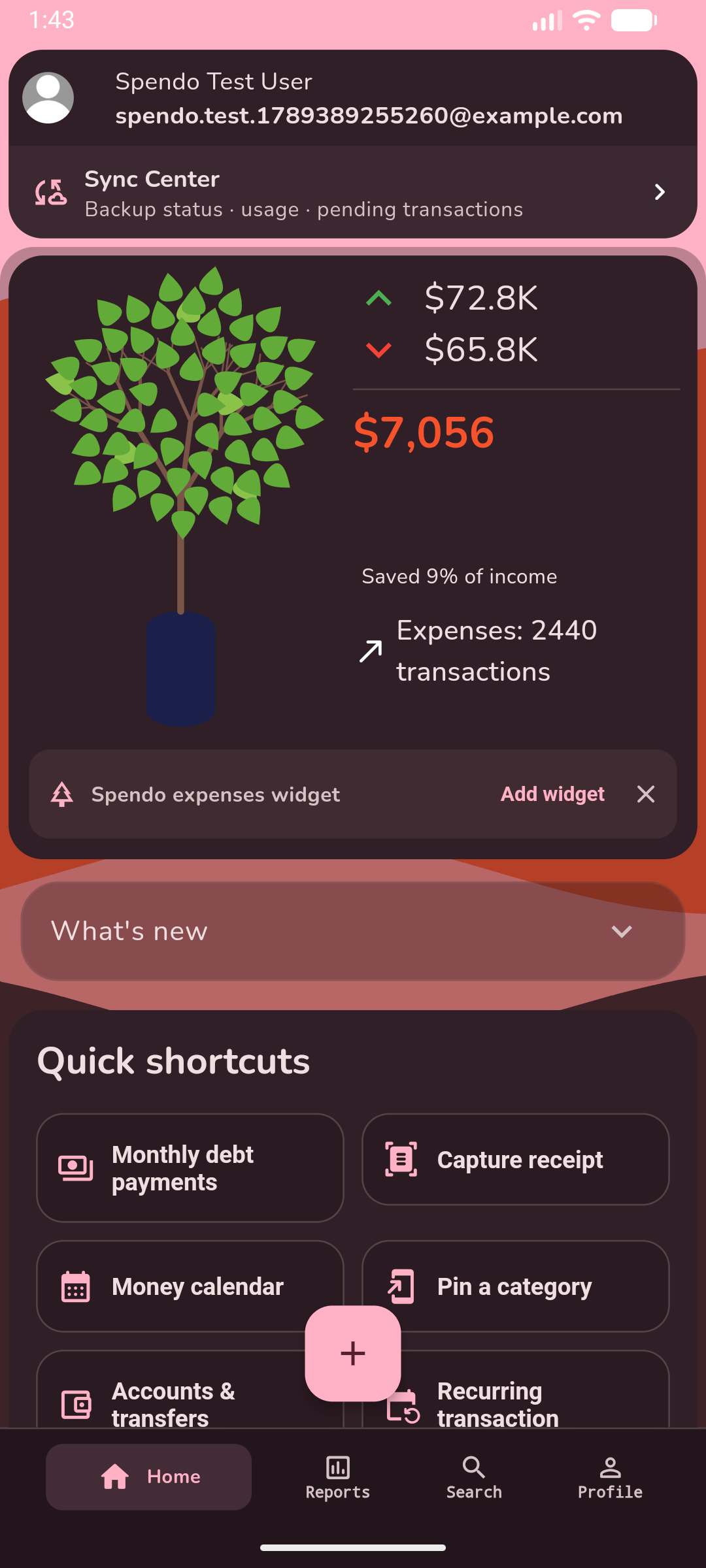
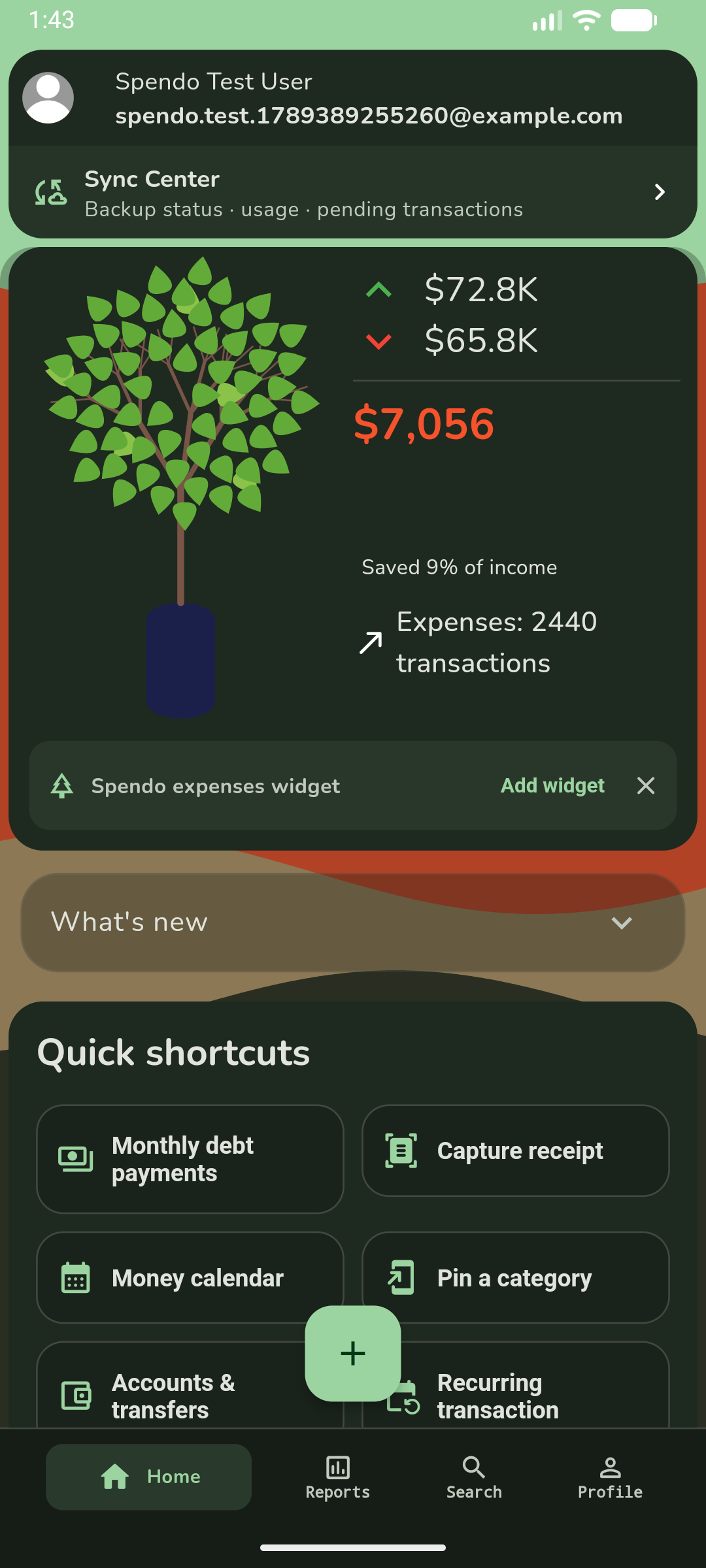
Spendo Home with a finance tree, income, expenses, savings, and a monthly spending chart
A clearer pictureMore room to grow.
Little habits. Real progress.One day at a time.
A fresh perspective on your finances.

LESS TYPING. MORE LIVING.

Your receipt.
Your transaction. Ready.

Scan with your camera, choose a saved image, or share a PDF with Spendo.

  1. Scan

    Spendo looks for the total, merchant, and category.

  2. Review

    Check the details and change anything before saving.

  3. Save

    A receipt becomes a transaction. Choose a plan with room for your monthly scans.

RECEIPT SCANNER

Snap it. Check it.
Save it.

The total. The store. The little details.
Scan a receipt, review what’s found, and save your transaction.

THE CORNER MARKETA little something for today.
Fresh fruit$6.50
Pantry essentials$12.00
Something sweet$4.00
TOTAL$22.50
READY TO REVIEWThe Corner Market
$22.50

You stay in control. Review before saving.

Offline. On your device.

Receipt recognition runs on your phone. Original images and PDFs stay off the cloud.

Learns from your corrections.

Remembered categories, names, and notes help with matching receipts. A clear total correction teaches Spendo where to look next time.

Learning stays on your device. Plus and Gold also back it up with your settings.

DEBT, MADE CLEAR.

One payment closer.
A plan you can see.

Add a loan or debt to track payments, see your progress, and explore a faster payoff.

  1. Add debt

    How much of the borrowed money you still owe today, excluding future interest. Borrowed 10,000 and repaid 3,000? Enter 7,000.

  2. Record payment

    The interest included in this payment, as shown on your statement. If you paid 500 with 100 interest, your debt drops by 400.

  3. Real progress

    Progress reflects principal repaid, including repayments made before tracking. Interest is shown separately.

Explore payoff strategies

Snowball

Pay minimums on every debt, then target the smallest remaining balance. Roll cleared payments into the next debt.

Avalanche

Pay minimums on every debt, then target the highest interest rate. Roll cleared payments into the next debt.

Compare payoff dates and interest with an extra monthly payment. These are projections, not automatic payments.

Payment historyOutstanding principalPrincipal repaidTotal interest paidProjected payoffMonthly projectionProjected remaining interestInterest savings

SHORTCUTS & WIDGETS

Right there.
Right when you need it.

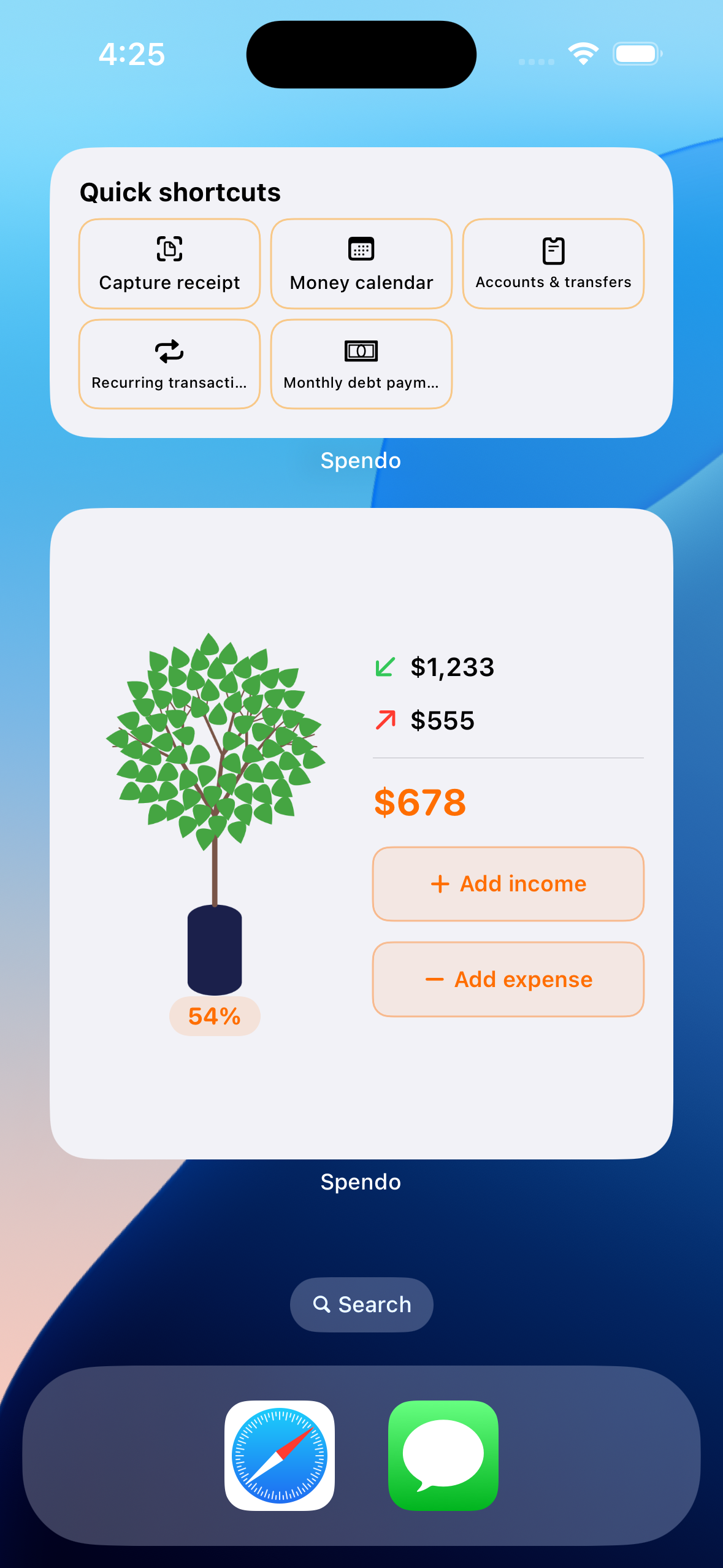
Keep your favorite actions close. Jump into a new expense, scan a receipt, or check your spending.

  1. Pin your everyday categories.

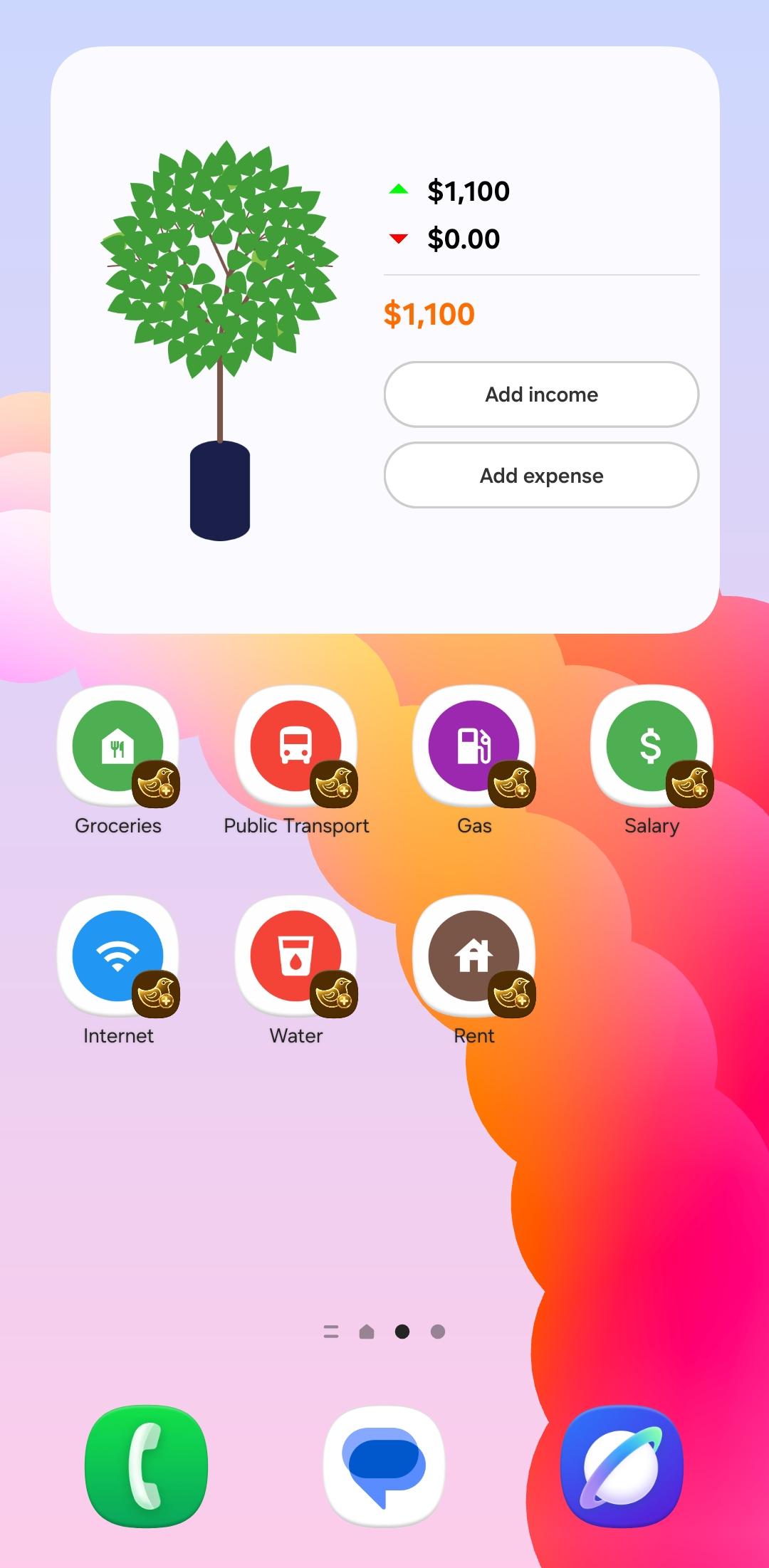
    Open a new transaction straight from a category on your home screen.

  2. Your next action, a tap away.

    Capture a receipt or jump to your calendar, accounts, and recurring transactions.

  3. A little clarity at a glance.

    See your money tree and totals, or add income and expenses from the widget.

A shorter path to a good habit.

Quick actions on an iPhone home screen
Quick actions
Spendo money tree widget on an Android home screen
Your money tree widget

SYNC & BACKUP

Keep your transactions.
Even when life changes.

Track offline, sync when connected, and bring your backed-up transactions to your next phone.

  1. Keep going, even offline.

    Add expenses and view your saved transactions without an internet connection. Your personal transactions are stored on your device.

  2. Connect. Sync. Carry on.

    Plus and Gold sync your transactions and settings to the cloud when you are online, within your plan allowance.

  3. A backup for life’s surprises.

    With Plus or Gold, back up online and restore your backed-up transactions when you move to a new device.

  4. Your files, your choice.

    Import transactions from CSV files or export them for use in a spreadsheet. File transfers are separate from cloud backup.

Explore backup plans

FOR THE LIFE YOU SHARE.

One home.
One clearer budget.

The weekly groceries. A family dinner. The bills that keep everything running.

Bring shared spending together, so everyone can see what’s spent and what’s still available.

  1. Invite your people.

    One Gold subscription covers your household. Invited members do not need their own paid plan.

  2. Share the everyday.

    Add household expenses and see the budget update.

  3. Keep your own space.

    Personal transactions stay separate from household spending.

Find room for your whole household Create one household with Gold. Join for free. Existing Plus households keep their previous allowance.
The little things, together.
OUR HOUSEHOLD

Home, sweet home.

This month
ASJ

A little teamwork.
A shared picture.

Room for the rest of the month$580.00
Spent $920Budget $1,500
THE EVERYDAY, SHARED
A

GroceriesAlex · For the week ahead

−$64
S

InternetSam · Keeping us connected

−$45
J

Family dinnerJamie · Friday night in

−$28

Example household

On the same page.More time for what matters.
A LITTLE INCOMEA little more growth.
Small habits take root.One transaction at a time.

Your finances, with a little more life.

MEET YOUR MONEY TREE.

Your money has
a story.
Watch it grow.

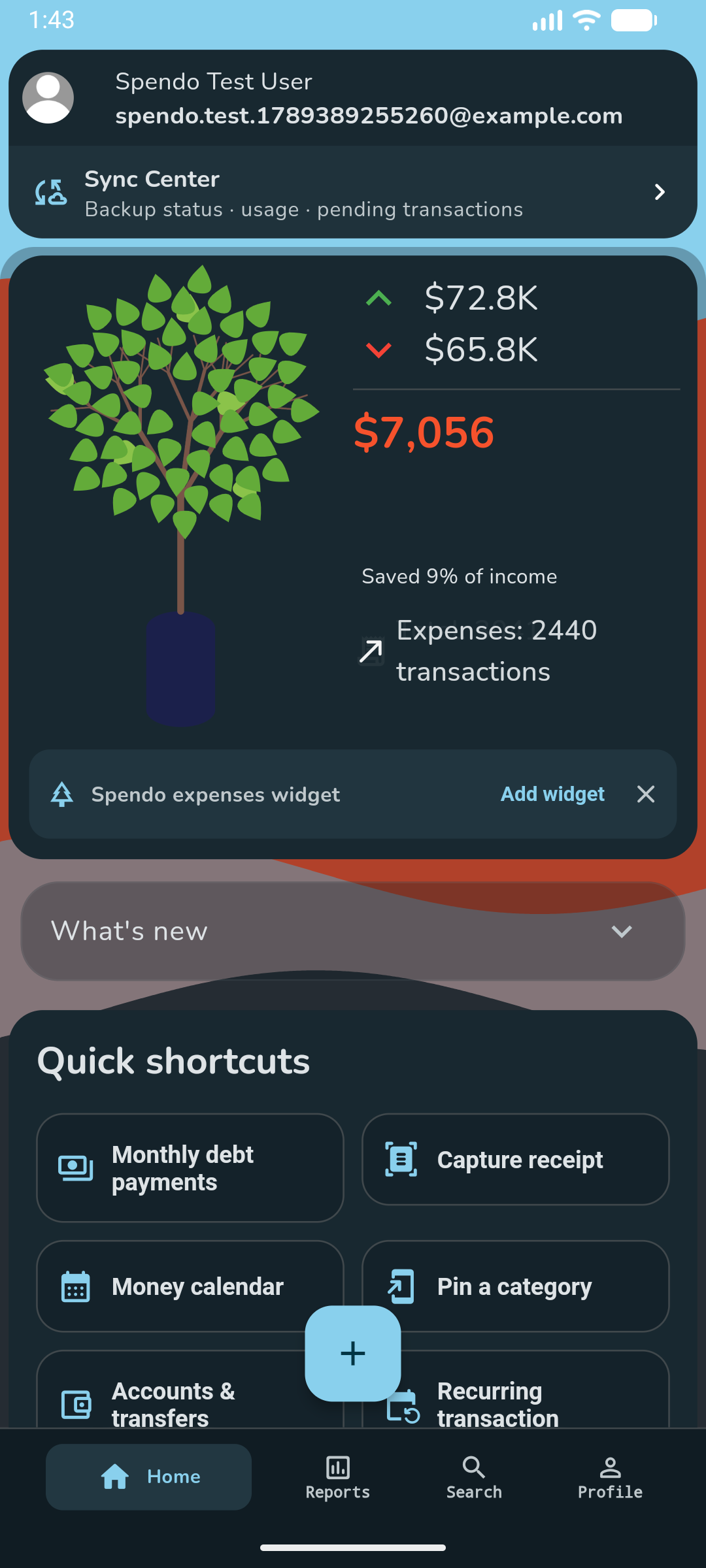
A living snapshot of your cash flow. Your finance tree changes with what comes in and what goes out, making the bigger picture a little easier to see.

Income grows new leaves.See your tree fill out as money comes in.

Expenses change the canopy.Everyday spending is part of the picture, too.

An illustration of how your tree changes.

Go from the big picture to the details.

Advanced search

Filter transactions by date, account, category, and type.

PDF reports

Review a period, print a report, or export selected transactions.

Budgets at a glance

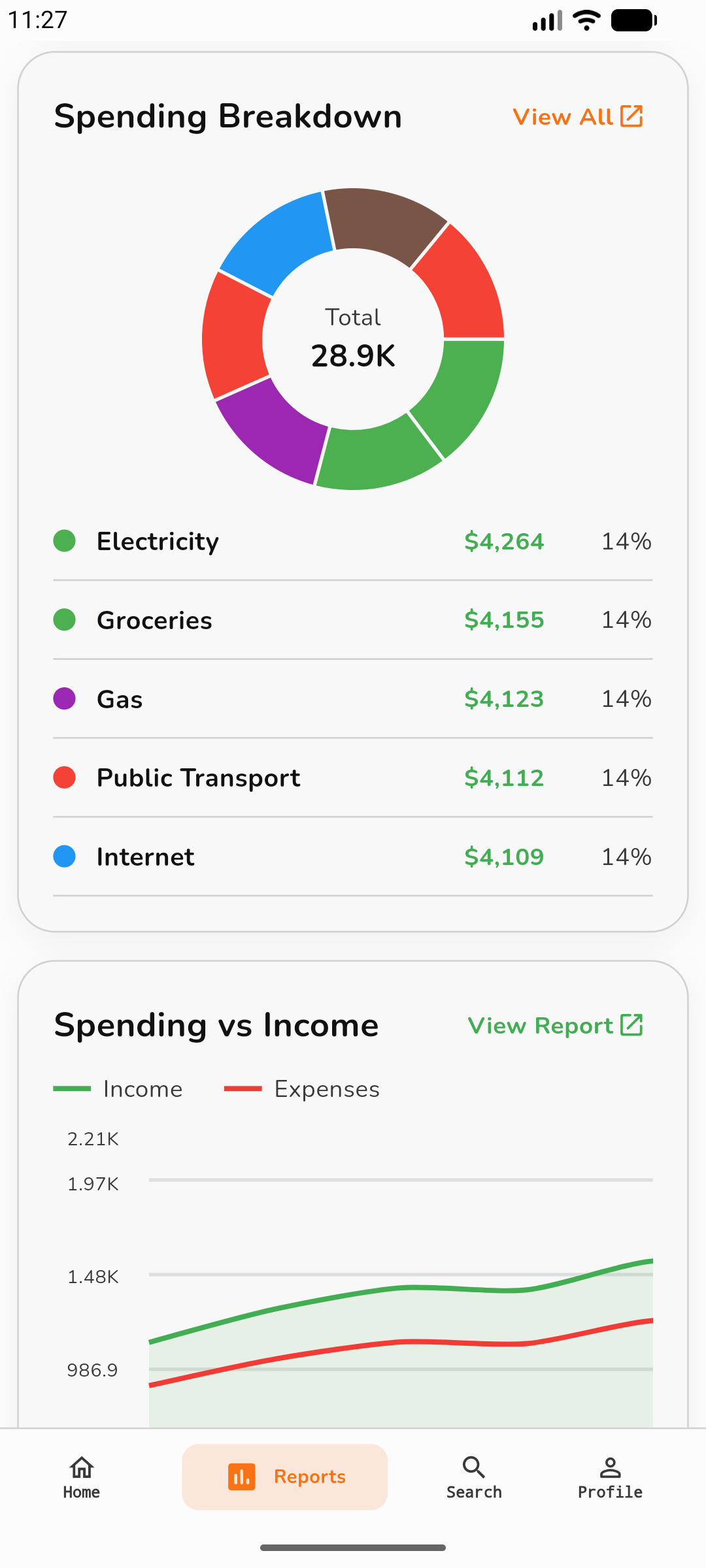
Set monthly and category budgets. See what is spent and what remains.

Accounts & wallets

Organize cash and bank accounts with separate balances.

Account transfers

Move money between accounts without counting it as income or spending.

Your Home, your way

Show, hide, and reorder Home sections to suit your routine.

A LITTLE MORE YOU.

Your money.
Your style.

Same clarity. A look that feels like you.

Lavender. Fresh. Expressive. A little different.

All 5 premium themes · Gold

ROOM FOR WHAT’S NEXT.

Start free.
Find your fit.

Start free. Choose more as you need it.

THE EVERYDAY START

Free

Build your everyday money habits.

$0 to get started
  • 300 personal transactions / month
  • 60 receipt scans / month
  • 2 local recurring schedules
  • 2 accounts · 20 categories
  • 2 active debts · 2 savings goals
  • Search, reports, CSV and PDF
  • Join for free

A clear picture starts here.

MORE ROOM TO GROW

Plus

Your money, backed up.

Choose in the app See your local subscription price
  • 500 personal transactions / month
  • 300 receipt scans / month
  • 500 personal cloud backups / month
  • 20 active recurring schedules
  • 15 active debts · 10 savings goals
  • Privacy lock
  • Home customization

A little more possibility.

THE FULL PICTURE

Gold

Your household. Every premium option.

Choose in the app See your local subscription price
  • One household · 10 members
  • 2,000 shared transactions / month
  • 3,000 personal transactions / month
  • 1,000 receipt scans / month
  • 3,000 personal cloud backups / month
  • 60 active recurring schedules
  • All 5 premium themes
  • Privacy lock

Make it unmistakably yours.

One Gold subscription covers your household. Invited members do not need their own paid plan. Shared monthly allowances belong to the household. Personal cloud backups require your own paid plan.

Compare all plan limits
All plan featuresFreePlusGold
Personal transactions / month3005003,000
Receipt scans / month / device603001,000
Personal cloud backups / monthNot included5003,000
Active accounts2520
Active categories2040100
Currencies2520
Active recurring schedules22060
Active savings goals21030
Active debts21550
Category shortcuts21030
Create a householdNot includedNot included1
Members, including ownerJoin for freeJoin for free10
Shared transactions / monthOwner’s allowanceOwner’s allowance2,000
Premium themesNot includedNot included5
Privacy lockNot includedIncludedIncluded
Home customizationNot includedIncludedIncluded
Search, reports, CSV and PDFIncludedIncludedIncluded

Free recurring reminders stay on your device and ask you to confirm each transaction. Plus and Gold include cloud processing and optional automatic recording. Enable notifications and open the app periodically to keep local reminders scheduled.

Monthly personal allowance: Free 300 per device; Plus 500 and Gold 3,000 shared across devices, including cloud backup. Imports and both sides of a transfer count. Edits, downloads and restores do not count again. Deletion does not refund usage. Offline usage is reconciled when connected; excess records stay on the device until next month’s backup allowance.

Monthly receipt scans: Free 60, Plus 300, Gold 1,000 per device. Canceled selections and failed recognition do not count. Saving a scanned transaction uses the personal transaction allowance.

Gold includes one household, 10 members including the owner, and 2,000 shared transactions/month. Invited members can use Free. Existing households retain Plus access with 3 members and 300 transactions/month. Personal backups are separate. Expired owner access pauses new transactions and joins.

Gold. Your household. Every premium option.

Find your plan in Spendo Open Spendo to view local prices, choose a plan, and manage your subscription.

YOUR NEXT CHAPTER STARTS HERE.

Your Money,
Made Clear.

A little less guesswork. A little more Spendo.

Get it onGoogle Play
Scan to open Google Play Scan to get Spendo
Coming soon on theApp Store
Scan to open the Spendo website iPhone coming soon · Website QR

A LITTLE MORE CLARITY.

Questions, answered.

Find a quick answer, then get back to your day.

How does Spendo help me understand my money?

Keep income, expenses, accounts, and budgets together. Category breakdowns and reports show where money goes, while goals and debt tracking help you plan your next steps.

How can I see what I have left to spend?

Set a monthly budget and limits for categories such as groceries or eating out. Spendo shows what you have spent and what remains, helping you spot where to cut back before the month ends.

Can I track cash and bank accounts separately?

Yes. Keep separate accounts for cash, cards, or savings. Use a transfer when moving money between them so it is not counted as income or spending. Spendo records the move; it does not move money through your bank.

Can Spendo help me keep track of regular bills?

Free includes 2 local recurring schedules. A notification asks you to confirm before saving on this device. Plus and Gold add cloud processing and automatic recording. Spendo records transactions; it does not pay bills or collect money.

Can I save toward something specific?

Create a savings goal with a name and target amount, then follow your progress and milestones. It gives your saving a clear purpose, whether you are planning a holiday, a purchase, or an emergency fund.

Can I keep track of what I owe?

Add your debts and record repayments to see what is left. Compare repayment plans and explore how an extra monthly payment could change your payoff date and interest. These are estimates; Spendo does not make payments for you.

Can I use Spendo offline?

Yes. Add personal transactions and view saved data offline. Personal cloud backup needs Plus or Gold and a connection. Saving or deleting shared household transactions requires internet access.

Will I see the same transactions on my other devices?

When your changes are saved online, your other devices can catch up too. Open Spendo with an internet connection to see the latest transactions. Updates may take a little time.

Why is a transaction still waiting to sync?

Check your connection, signed-in account, plan, and monthly allowance in Sync Center. Pending personal transactions stay on this device until backup succeeds. Check sync status before uninstalling or changing devices.

Can I undo a deleted personal transaction?

Personal deletions first enter Pending deletions in Search. You can undo before deletion sync starts. After synchronization begins, undo is unavailable and other devices remove the transaction when they catch up.

Who can delete a household transaction?

Its author or the household owner can delete it online, including several selected transactions. Deletion updates the shared budget for everyone. Household deletions do not have a pending-undo period.

Do I need to delete a transaction on each device?

No. Once the deletion is saved online, your other devices remove the transaction when they next connect and update. An offline device may still show it until then.

Does every household member need a subscription?

Gold includes one household, 10 members including the owner, and 2,000 shared transactions/month. Invited members can use Free. Existing households retain Plus access with 3 members and 300 transactions/month. Personal backups are separate. Expired owner access pauses new transactions and joins.

Do I need to type every receipt?

Scan a receipt image or supported PDF to prepare a transaction, then review the date, amount, and category before saving. Recognition currently focuses on Latin text, and unclear receipts may need corrections.

Can I move my data to a spreadsheet or share a report?

Use CSV import and export for spreadsheets, and PDF reports for sharing. Review import formats and row errors. Imported copies receive new record IDs; exporting a file is separate from cloud backup.

How do I add regular payments during setup?

Tap Add recurring transaction in setup, then choose from the categories you selected. Set the amount and schedule. Free includes 2 local schedules with confirmation reminders.

Can I use my own profile names for categories?

Yes. Search for an existing profile or type a new name when adding a category. You do not have to pick a suggestion.

What happens to my backup if I return to Free?

Your existing backup is kept. The recovery offered after sign-in can download settings and transactions together once for that sign-in. New personal backups need Plus or Gold. Settings recovery requires an app version that supports it.

Is my personal allowance shared across my devices?

Yes for Plus and Gold: 500 and 3,000 personal transactions per month respectively, including backup. Free allows 300 per device. Imports count, and a transfer uses two records. Downloads do not count again.

What happens when my monthly backup allowance is full?

Transactions waiting for backup stay on this device. They can upload after the monthly allowance resets while your paid plan is active. Keep the local data until backup finishes.

Why might a large deletion take longer?

Spendo limits unusually large or frequent deletion requests to protect the service. Pending personal deletions stay queued for retry. If asked to wait, try again later; do not clear the local data.

Will an import remove identical purchases?

Separate transactions with different exported IDs are kept, even if their details match. Rows without IDs are also kept. Importing a file without IDs again can create duplicates, so review it first.

Can I view a household report for a specific period?

Yes. Household reports start with this month and load the dates you choose. Select All Time when you need the full history; a larger report may take longer to load.

Can I keep my finances private on my phone?

Plus and Gold include a privacy lock using your device authentication. The lock is set on this device and is not copied from another phone when restoring settings.

How many receipts can I scan each month?

Free includes 60 scans, Plus 300, and Gold 1,000 per device each month. Saving a scanned transaction also uses your personal transaction allowance.

When do my monthly allowances renew?

Monthly allowances renew on the first day of each calendar month at 00:00 UTC. Sync Center shows the next reset date for cloud usage.

Do edits or deletions give me more allowance?

Editing an existing transaction does not count as creating another one. Deleting a transaction does not return the monthly allowance already used.

Can household members see my personal transactions?

Joining a household does not share your personal transaction history. Members see transactions saved to that household; your personal backup stays separate.

What if the household owner stops subscribing?

Existing shared transactions remain readable. New shared transactions and joins pause until the owner has an eligible plan again.

Can I record money in different currencies?

Yes, within your plan’s currency limit. Add the currencies and exchange rates you need in Settings. Review rates before relying on converted totals.

Can I use Spendo in another language?

Spendo supports English, Arabic, German, Spanish, French, Hindi, Portuguese, and Chinese. Change the app language in Settings.

Can I choose what appears on my Home screen?

Plus and Gold include Home customization. Arrange or hide supported sections to keep the information you use most close at hand.

Which plan includes the premium themes?

Gold includes all five premium themes. Choose a look you like in the app’s appearance settings.

How do I stop my subscription renewing?

Manage or cancel your subscription in the store where you purchased it. Uninstalling Spendo or deleting your Spendo account does not cancel the store subscription.

Features can vary by app version. Keep Spendo updated.